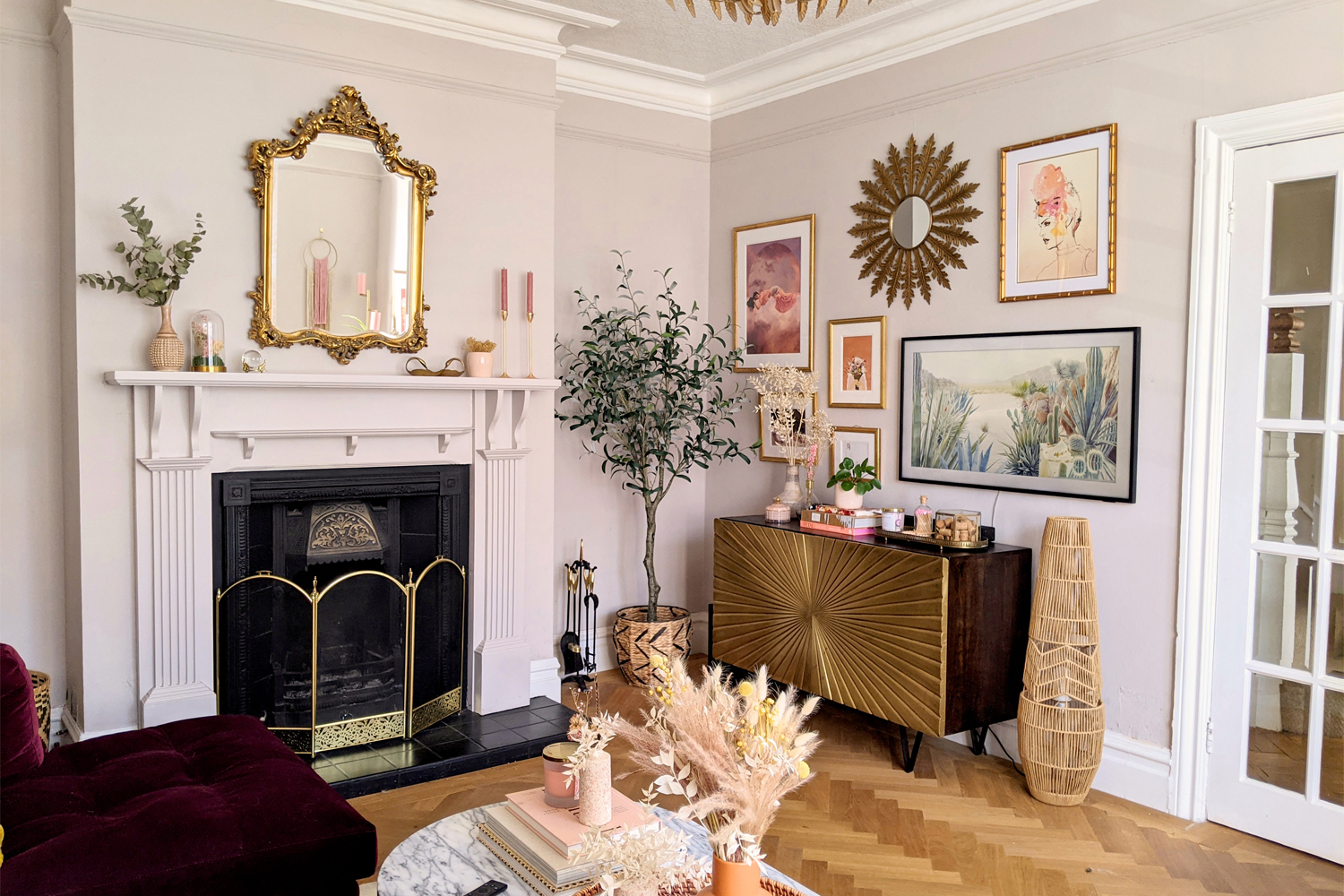
I’ve been swooning over Frame TVs since I first saw them years ago. It felt like a far off purchase since Adam and I already had two perfectly fine TVs when we moved in together and we were saving up to buy a place.
But once we moved into our current condo, I couldn’t get the Frame TV out of my head. Over the past few years, we have slowly made purchases that make this really feel like our home – a new couch, a liquor cabinet, a dining room table. It was really coming together! Except for that big black TV hanging over our fireplace.
Then last holiday season, I took advantage of a sale and finally got one. I had overthought almost every detail before pressing purchase, so I was ready to fall in love with it. But apparently Adam didn’t fully understand everything I told him about it because it blew him away. It still blows him away.
So in case you’re also considering one, I thought I’d share all of my research prior to purchasing plus my thoughts after owning it for a while now in this comprehensive Samsung Frame TV review.
Samsung Frame TV Review
WAIT, IS THIS THE ONE THAT LOOKS LIKE A PICTURE FRAME TV?
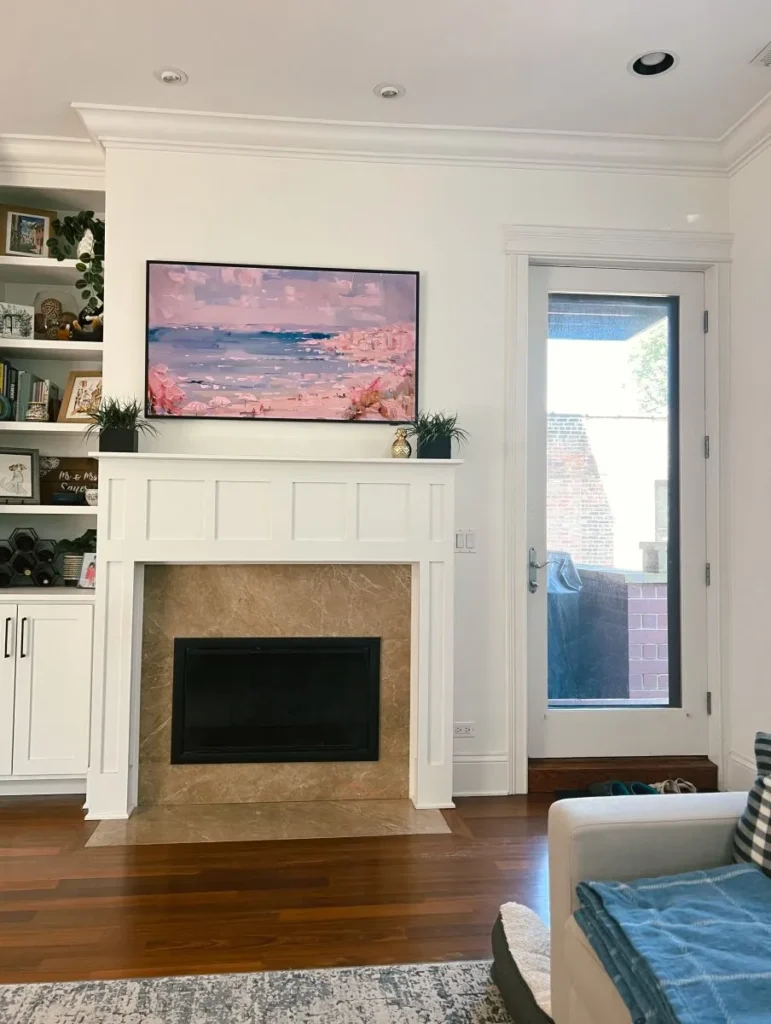
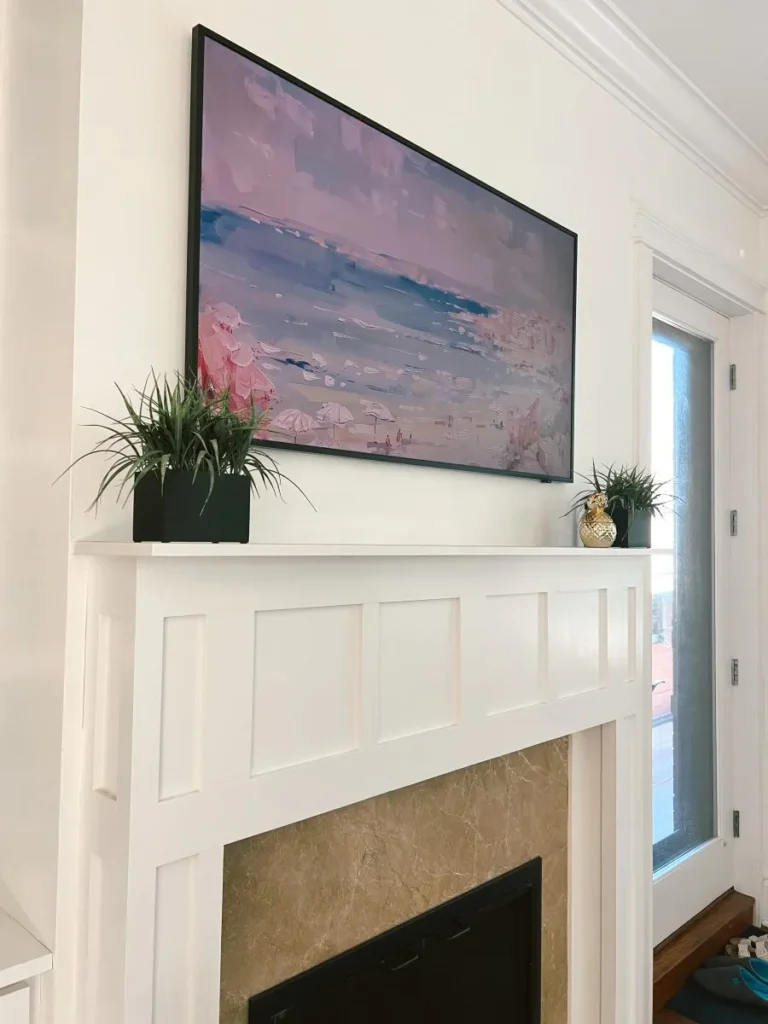
YES! The Samsung Frame TV is not just any high-end television. It was designed to blend seamlessly into your home decor, especially when it’s not in use. Unlike traditional TVs, this was designed to lay flush against your wall. That way, when you put it in their signature Art Mode, it actually looks like a real painting on your wall.
You can see the difference between our old tv and the Frame TV below:
Picture Quality
When I first heard about the Samsung Frame TV, I was worried that it was a gimmick. While I’m sure there are other fancy tvs out there, I actually think the picture quality is outstanding. It has QLED technology, 4K resolution and HDR support that delivers vibrant colors, deep blacks and impressive contract levels.
It also has intelligent sensors that adjusts the brightness and color settings based on the ambient light in the room. How cool is that?!
Kind of fashion
Art Mode is a distinctive feature of Samsung Frame TVs, designed to transform the television into a piece of art when not in use. This mode displays digital artwork or even your personal photos for as long as you want without any risk of damaging the screen.
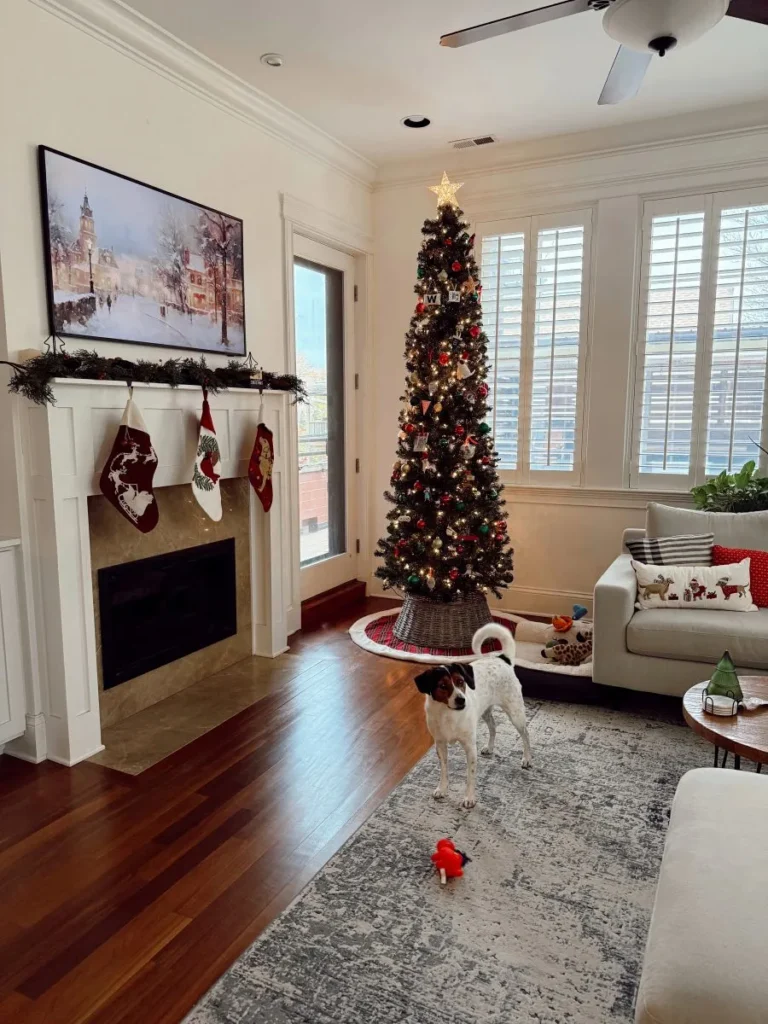
This innovative feature turns a normal TV into an intentional design choice based on each person’s personal style and taste in art. I especially love that you can change the art for the seasons too! We had this piece up during the holidays and then switched between this floral painting and this brighter one afterwards.
You can turn Art Mode on manually, but the TV also has a motion detector. This is designed to sense when someone enters the room, even if the TV is turned off. Once it detects motion, the Frame TV will automatically switch from it’s powered-off state to Art Mode to display your art.
You can also adjust the brightness and color settings to make the art look more natural and realistic. This can also save some power too!
IS THE SAMSUNG ART STORE MEMBERSHIP WORTH IT?
The Samsung Art Store has an extensive and really diverse collection of art to choose from. In it, you can browse through thousands of pieces, ranging from classic masterpieces we all know and love to contemporary works and even seasonal options.
The membership is $5.99 a month and you get unlimited access to the entire library of art. This means you can curate your own collections, play around with different styles and artists, and easily keep your living space fresh.
I think this is definitely worth it for some people, but I have found other great options on the internet that are a little more affordable. Plus I like the idea of using something that most people haven’t seen instead of a famous piece of art that everyone knows. I mean, no one is going to think I actually have a Salvador Dali painting in our home, you know?
WHERE DO YOU GET YOUR ART FOR YOUR FRAME TV?
So far, my favorite places to look for art are Etsy and Love Sort Of. Each digital file is usually only a few dollars and then I have them to use any time I want.
HOW TO UPLOAD YOUR OWN ART TO THE FRAME TV?
It is SO easy to upload your own art or your own photos to the Frame TV. The first thing you want to do is save a high res file of your artwork of photo to your phone or an iPad. JPEG and PNG are the most common compatible digital formats. Once you have that, follow the steps below!
- Download the SmartThings app. This allows you to connect your device to the TV via wifi.
- Select your Frame TV in the SmartThings app and select Art Mode. In the bottom right corner, there is an icon with a photo and + sign. Click on that.
- Select the art that you want to upload.
- Click on the three dots in the top right corner and then click Art Mode Settings. Adjust the brightness and color tone so the art looks as realistic as possible.
Installation and Setup
Okay let’s back up. All of these sounds cool but is it a pain to install? How does it work? How do you get it flush against the wall?
Because we had a different tv with a completely different wall mount up, we hired someone to come help us with installation… but Samsung really does make it pretty easy and straightforward.
The No Gap Wall Mount ensures that the TV sits flush against the wall, like a real painting would. But where does that leave the cables and cable box and everything else?!
In addition to the No Gap Wall Mount, the Samsung Frame TV comes with what they call the One Connect Box. This was designed to streamline and simplify the connectivity and cable management of the TV setup. This external box has all of the primary input and output connections for the TV, such as HDMI ports, USB ports, and more. (This is how you can connect to Xbox, just in case you live with someone who is worried about that like Adam was )
So instead of multiple cables running from the TV to cable boxes, gaming consoles, or Blu-ray players, they all connect to the One Connect Box instead. This box is connected to the TV with one very thin almost invisible cable. We routed this through our wall since the previous owners had already prepped it for cables leading to a cabinet, where we put our One Connect Box. If you don’t have this setup, you could also run it down the wall into a tv stand too.
Smart Features and Connectivity
As expected from a Samsung smart TV, the Frame TV comes packed with a plethora of smart features and connectivity options. It runs on Samsung’s Tizen OS, offering a user-friendly interface and access to a wide range of streaming services, apps, and features. The integration of voice assistants like Bixby, Alexa, and Google Assistant adds to the convenience, allowing you to control the TV and connected devices with simple voice commands.
The Frame TV also supports AirPlay 2, enabling you to effortlessly stream content from your Apple devices. With multiple HDMI ports, USB connections, and Wi-Fi connectivity, it’s easy to connect various devices and enjoy a seamless entertainment experience.
Frames for Samsung Frame TV
Obviously being flush against the wall with art displaying on it makes this a HUGE upgrade from other bulky tv… but the black frame does still give major tv vibes.
I would love for it to completely trick people who come into our home, and luckily there’s a way to do that! Both @prettyinthepines and @annawpage have installed gorgeous frames around theirs and it looks so seamless in their flawlessly decorated living rooms.
The easiest option for this is to purchase a bezel from Samsung. Bezels are designed specifically for the Frame TV to help it look more like framed art. The best part? They’re magnetic! Just line them up to the Frame TV and snap them on. You can choose between multiple colors and either a natural wooden finish or a metal finish.
If you want something a little bit more ornate than the bezels, you could make a DIY frame… but if you aren’t crafty (like me!) then there are lots of options on the internet! I’ve been eyeing DecoTV Frames on Amazon – they all look stunning and apparently they’re very easy to install too. This one is definitely pricey but it’s SO pretty. Adding it to my wishlist!
How much does a Samsung Frame TV cost?
Samsung Frame TVs run from $600 all the way up to $4300 depending on the size. That being said, these TVs go on sale a lot. In fact, they’re on sale RIGHT NOW!
We have a 55″ which retails for $1499.99 but it is currently $1199.99. I think I got $500 off during the Frame TV Black Friday sale, but $300 isn’t a bad discount either!
Where do you buy a Frame TV?
We got ours directly from Samsung, but you can also get them from Best Buy or Amazon. I have seen the best deals directly from Samsung, but it’s up to you!!
Could I just do all of this with a regular TV?
This is tricky, because technically you could… but I’m going to be honest with you. It won’t be the same. You could make a DIY frame for a regular tv, but your tv isn’t going to be flush against the wall. In addition to that, the Samsung Frame TV has a special matte display that is designed to reduce glare which also helps the art look less like a screen and more like a real painting.
And the last and main thing to think about is tv burn in. I didn’t even know this was a thing, but apparently if you leave a fixed image on a normal tv screen for a long period of time, it can leave a visible mark on the screen that stays there no matter what you watch. Yikes.
Samsung Frame TV Review: Is It Worth It?
Whenever someone asks me if something is “worth it”, I always take a step back to preface that the answer to that is subjective. If spending a lot of money on a TV is going to stress you out financially, then no! It’s absolutely not worth it!
But if you are designing/updating a living room where the TV needs to be in a very central spot, and you’ve been saving up for a new TV or just have the means to splurge? In that case, YES. I absolutely think the Samsung Frame TV is worth it.